Instructions for deleting Facebook data
Updated on July 16, 2024
Clinique Zenitude uses the "Login with Facebook" functionality. This page provides the steps for you to delete your data and comply with Facebook's policy.
1: Go to "Settings & privacy" on your Facebook account.
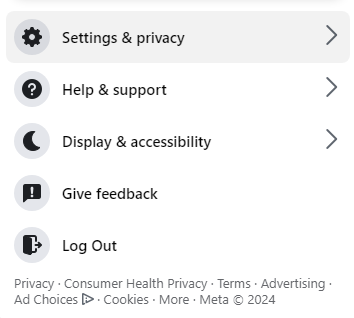
2: Click on "Settings".
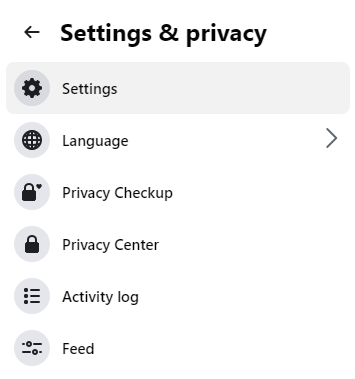
3: In Settings, look for "Apps and websites" and click on that option. There you'll see all the apps and websites linked to your Facebook account.
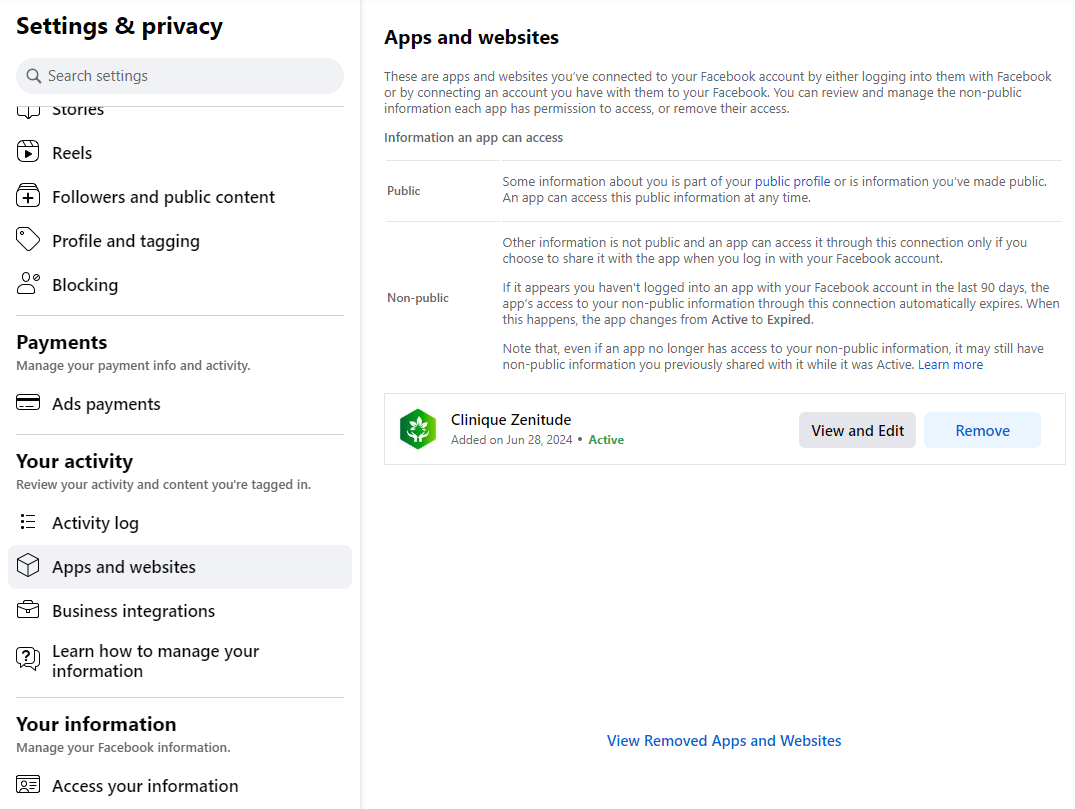
4: Find “Clinique Zenitude” in the list of apps. Click on the "Remove" button.
Contact Us
Don't hesitate to contact us if you have any questions.
- Via this Link: https://cliniquezenitude.net/#contact